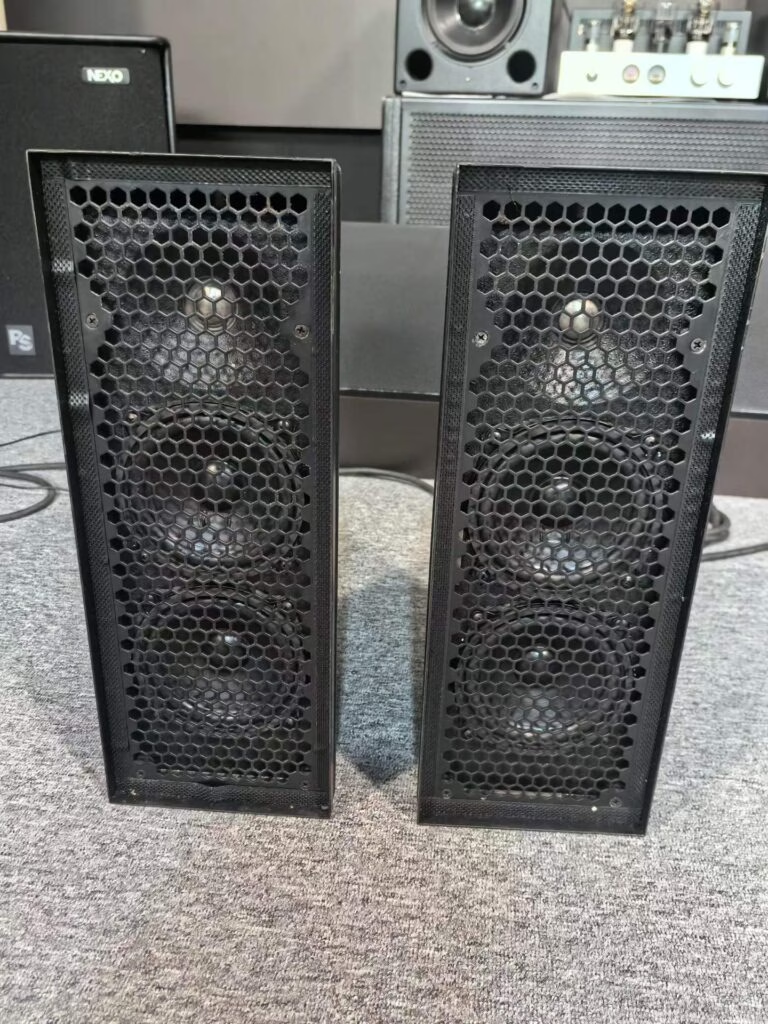
For most home studios, used studio monitors are the better buy. A pair that costs $700 new sells for $300-450 used, and the drivers themselves rarely fail. The real risk sits in the amplifier module on active monitors, so test both sides at low and high volume and listen for hiss with no input.
Monitors are also the least fashionable part of a studio, which helps buyers. Studios upgrade interfaces and plugins; they keep monitors for a decade. That means the used pool is full of lightly used pairs.
What do used monitors actually cost?
| Class | New pair | Used 2026 | Risk |
|---|---|---|---|
| 5″ nearfield | $400 | $140-220 | Low |
| 6-7″ nearfield | $700 | $300-450 | Medium |
| 8″ midfield | $1,300 | $550-800 | Medium |
| Mastering-grade | $4,000+ | $1,800-2,600 | High |
The 6-7 inch nearfield band is where most buyers land, and where the value gap is widest. A 2020 pair bought at $380 and sold at $300 in 2028 cost $80 to own for two years.
What goes wrong on a used active monitor?
The amp module, almost always. Capacitors dry out after 8-10 years, which shows up as hum, a slow power-on, or a channel that fades in after a minute. A replacement module is $120-300 if the model is still supported. If it is discontinued, the monitor becomes a passive box you cannot power.
The second failure is the tweeter. A dome that has been driven hard sounds brittle rather than smooth, and replacing a matched dome can be half the used price.
How do you test a pair before buying?
- Play a familiar track with sustained bass and listen for cabinet rattle at moderate level.
- Turn the volume to zero with the source connected: silence should be near-total.
- Sweep a sine wave or a piano recording for a buzzing grille or a blown dome.
- Check that both monitors sound identical; a mismatch often means a replaced driver.
If you cannot test in person, ask for a video with a phone-recorded sweep, plus a photo of the serial number on the back. Serial numbers close together mean a matched pair from one batch.
Where does new win?
Room correction and DSP. Newer monitors ship with built-in calibration and app control, which genuinely fixes small-room problems that a used pair cannot. If your room is 3 by 4 metres and untreated, the correction alone may be worth the new price.
Warranty also matters for a first pair. A beginner who cannot diagnose a hiss will spend weeks uncertain whether the monitor or the interface is at fault. For that buyer, new is the calmer choice.
Do the other parts of the chain matter more?
Often, yes. Placement, desk reflection and the interface’s output quality change what you hear more than a $200 monitor upgrade. If you are building a room from scratch, spend on the desk and treatment first, then upgrade monitors in year two.
One reference point: a documented used pair like the KRK V6 Series 3 active pair gives you a known model, known age and a tested amp module, which removes most of the risk described here.
What about passive monitors?
Passive monitors plus a separate amplifier are the safest used purchase in this category. With no amp module inside the cabinet, the failure points split: if the amp dies you replace a $150 box, not a $400 monitor. The trade-off is one more cable and one more decision, which is why most home studios skip it.
For a first studio on a tight budget, a used passive pair at $200 plus a used 50 W amp at $90 beats a $450 used active pair on repairability. It loses on desk space and on setup time.
Finally, think about the desk before the monitor. A pair of $300 monitors on a hollow desk will give you more bass smear than a pair of $150 monitors on a proper stand. Desk and stands come first; the upgrade path is cheaper in that order.
Key Takeaways
- Used 6-7″ nearfields sell for 40-60% of new and rarely wear out at the driver.
- The amp module is the main failure point; hum and slow power-on are the signs.
- Test silence with volume at zero and compare both monitors for a matched sound.
- Buy new if you need room correction DSP or your first warranty.