Check faders, jog wheels and USB ports first — those wear fastest and cost the most to repair. Then confirm the firmware and whether the unit still works with current DJ software. If a controller passes those, the rest is usually fine.
DJ gear loses value faster than almost any other pro audio category, so used deals are real — if you test the right parts.
What wears out first on DJ gear?
- Channel and crossfaders — scratchy output is the classic sign.
- Jog wheels — loose bearings or a slipping touch strip.
- USB and headphone jacks — cracked solder from cable strain.
- Buttons and pads — dead or unresponsive since the rubber pads flatten.
What should you test in person?
- Run both channels through the crossfader and listen for dropouts.
- Spin both jogs — they should feel identical and return to centre.
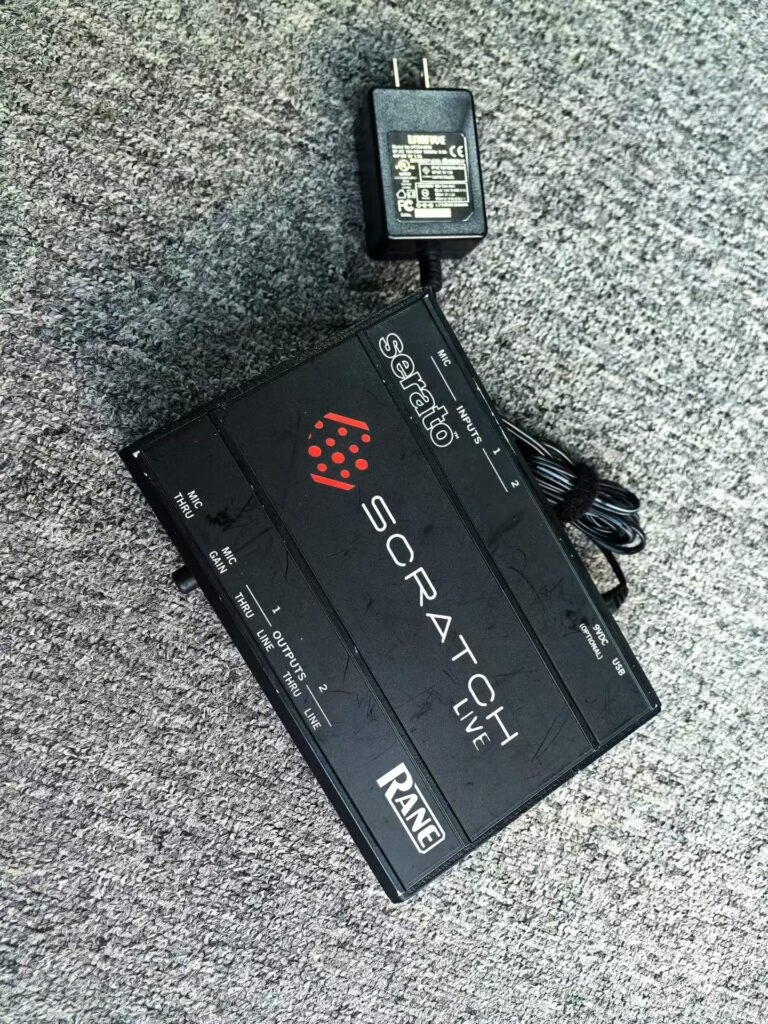
- Plug into every USB port and confirm the software sees the device.
- Load a track on each deck and check for pitch stability.
- Test the headphone output on both ears.
Does software compatibility matter?
Yes, more than condition. Some older controllers are dropped from current software builds, which makes them a paperweight for a laptop setup. Check the maker’s compatibility list for your software version before you pay. A unit that only runs on a three-year-old build is worth much less.
What is a fair used price?
| Gear | New | Used (2+ years) |
|---|---|---|
| 2-channel controller | $1,200 | $450–600 |
| Club CDJ pair | $4,000 | $1,600–2,200 |
| 4-channel mixer | $900 | $350–500 |
| Digital mixing desk (for hybrid sets) | — | Yamaha DM1000 from $600 |
Key Takeaways
- Faders, jogs and USB ports are the first things to fail.
- Software compatibility can matter more than cosmetic condition.
- DJ gear drops to 40–50 percent of new within two years.
- Test every port and both channels before paying.
- Skip gear dropped from current software builds unless it is very cheap.