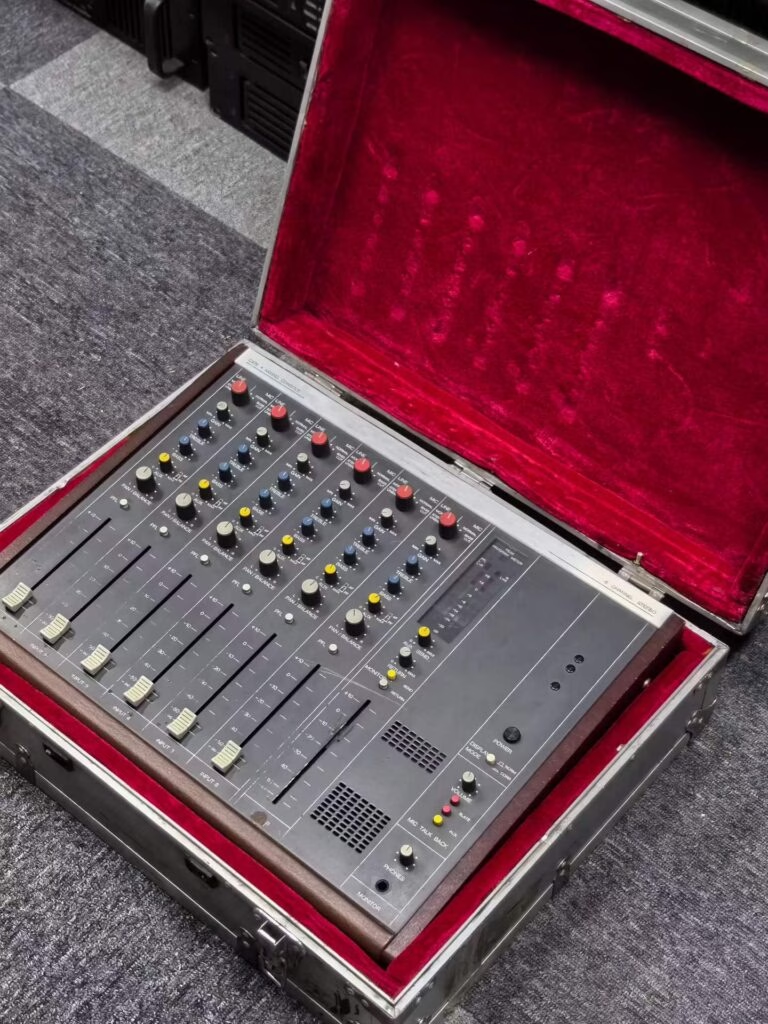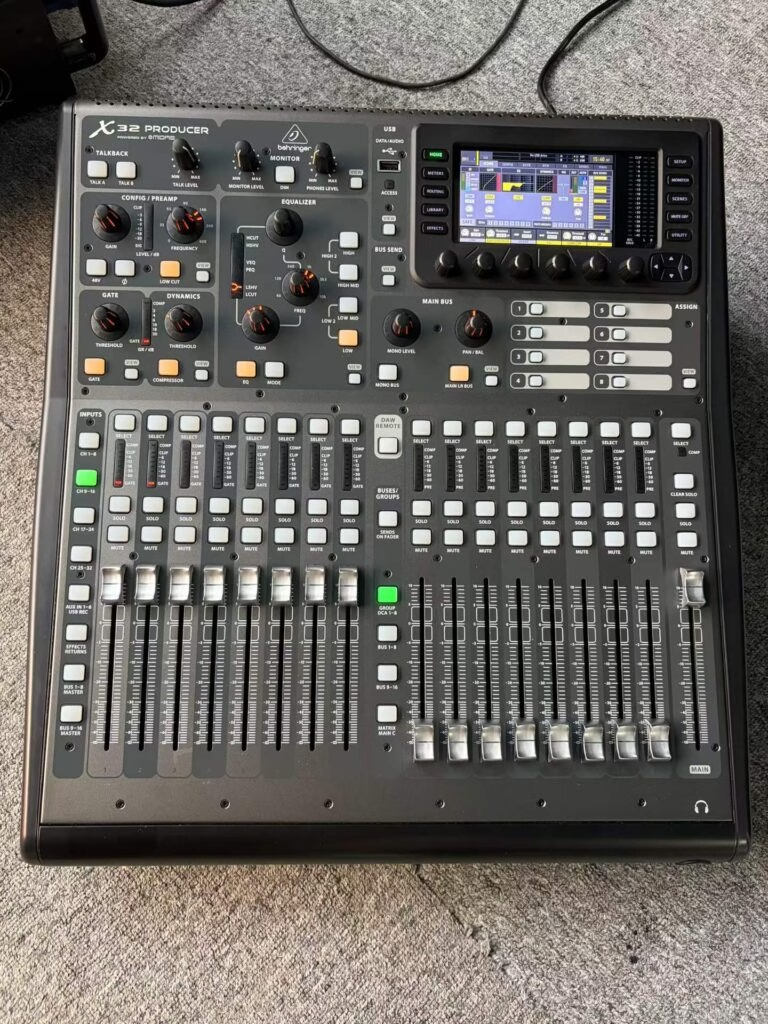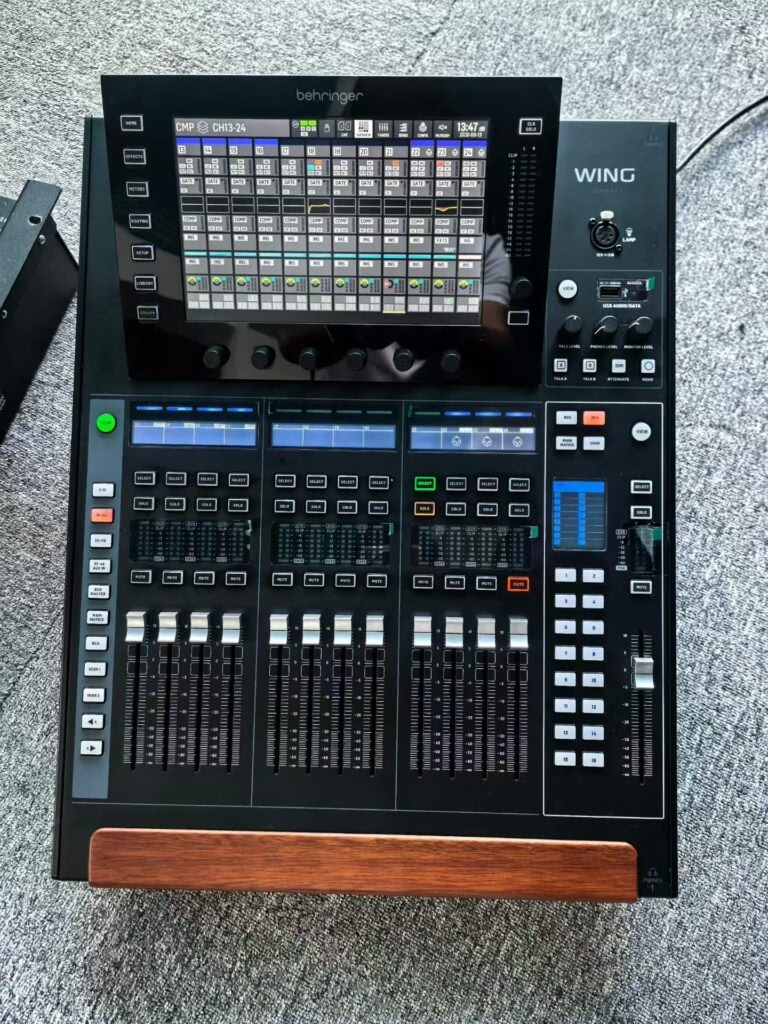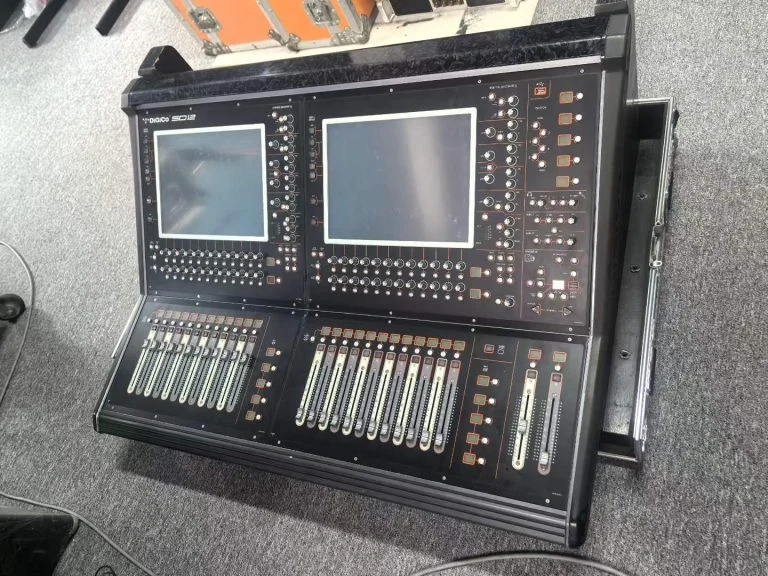
Under 16 inputs and no recording: used analog, every time. Over 24 inputs, multiple bands per night, or any need for scene recall: used digital. The crossover point is around $1,200 and 16 channels, and the deciding question is not which sounds better but whether you can survive a failed screen.
What does each cost used in 2026?
| Console | Channels | New | Used |
|---|---|---|---|
| Analog 16ch with effects | 16 | $1,200-2,000 | $250-500 |
| Analog 32ch 8-bus | 32 | $2,800-5,000 | $500-1,100 |
| Digital 32ch compact | 32 | $2,400-4,000 | $900-1,700 |
| Digital 48ch flagship | 48 | $8,000-15,000 | $2,400-4,500 |
Look at the depreciation ratios. Analog 32-channel desks lose about 80% of their value in six years. Digital consoles lose around 60-65% over the same period, because firmware and support keep them useful longer.
Why does analog still make sense?
Because it cannot brick. An analog console has no operating system, no firmware, no touchscreen and no boot sequence. A failing channel is a failing channel; the other 31 keep working. For a venue with a volunteer operator and no technician on call, that reliability is worth more than a feature list.
Analog also holds up for anyone mixing by ear with no time to learn a menu. Every function is a knob in a fixed place. That is not nostalgia, it is speed under pressure.
Where analog falls apart?
Weight, size, and the cost of outboard. A 32-channel analog desk is 60-90kg and needs a rack of compressors and effects to compete with what a digital console includes. Add 32 channels of outboard and you have spent more than a digital desk and need twice the floor space.
Also: no scene recall. If your venue runs three different band configurations a week, resetting an analog desk between acts takes 20 minutes and one mistake.
Which used digital consoles are safe buys?
The test is simple: is the model still in production, or was firmware updated in the last five years? If yes, it is a safe buy. A Yamaha DM1000 sits on the edge of that line: 48 channels of genuinely good preamps, but no modern expansion and a 15-year-old LCD. It makes sense for a fixed venue at $900-1,300, not for touring.
Newer digital desks with active firmware support are the safer used buy even at higher prices, because parts and updates exist. A dead touchscreen on a supported model is a $300-600 repair. A dead touchscreen on an abandoned model is the end of the desk.
How do you check a used digital console?
- Every fader, twice. Automation faults show on the second pass, not the first.
- Every input and output. Including the ones labelled spare.
- Screen uniformity. Look at a full-white test pattern for dead pixels and uneven backlight.
- Firmware version. Compare it against the latest release; being behind is fine, being on a version that no longer boots is not.
- Dante or expansion cards. Confirm the card is fitted and visible in the network menu.
What is the tie-breaker?
Count your input list on a real show. If the number is 16 or fewer and you never recall a scene, buy analog and spend the difference on good mics. If it is 24 or more, or you run the same bands on rotation, buy digital and make sure the model still has support.
Do not buy a used digital desk to save money against a new one if the model is discontinued. Buy it because you want the workflow, and accept the risk.
Key Takeaways
- Analog wins under 16 inputs with no scene recall; digital wins above 24 inputs.
- Analog 32-channel desks lose about 80% of value in six years; digital about 60-65%.
- Analog cannot brick; a failed channel leaves the rest working.
- Safe used digital buys are models still in production or updated in the last five years.
- Test every fader twice and every I/O including the spares.