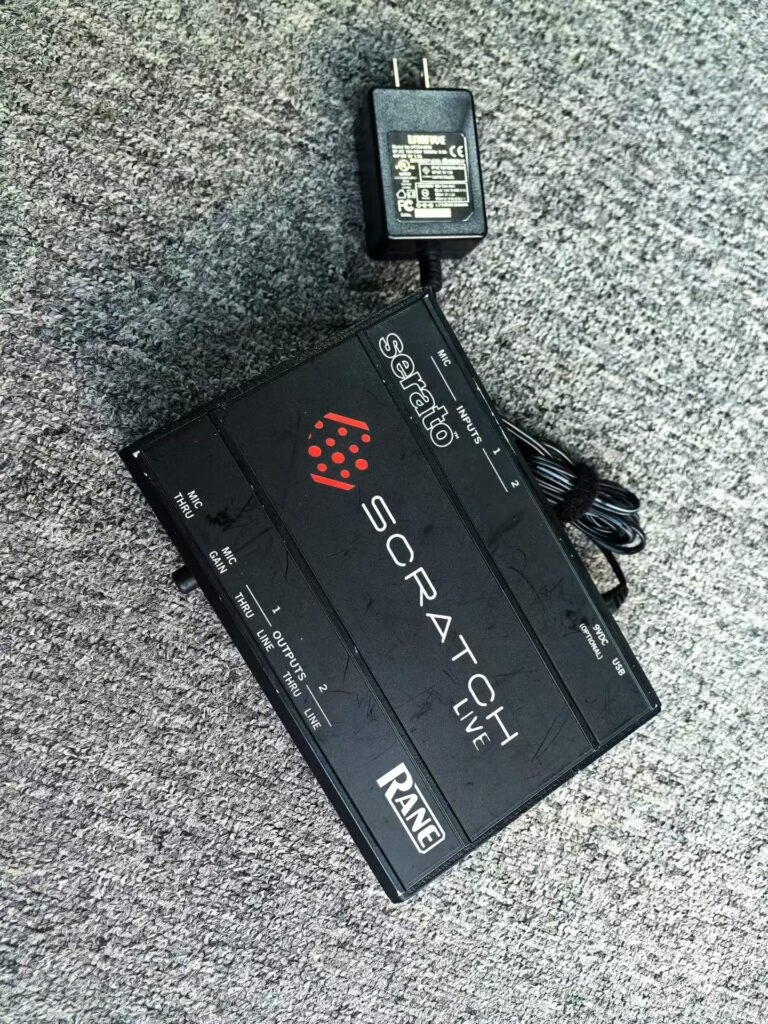
Check used DJ equipment in this order: jog wheel and fader wear, USB and media ports, firmware or rental lock state, then cosmetics. The first three tell you whether the unit works at all; the last only tells you how much to argue about the price. Skip the order and you will pay for a pretty unit that drops out mid-set.
Most bad DJ gear purchases are not scams. They are ordinary units with one tired part that the buyer only discovered on the first gig.
Why do jog wheels and faders come first?
They are the two parts that wear out from normal use, and they are the parts you cannot fake by cleaning. Spin each jog slowly and feel for grit or a wobbling platter. Then push every fader from top to bottom while audio plays. A fader that cuts out or jumps is a $40-90 part if you solder, and a full replacement on an 8-channel mixer can run $250-400 in labour.
On CDJ-style decks, hold the platter and test the touch response separately. A jog that responds to spin but not to touch means the capacitive strip is failing, which is not a cleaning job.
What do the ports tell you?
- USB ports. Wiggle a stick in each port while playing. Dropouts point to a cracked solder joint.
- SD or media slots. Check the spring and the pin depth; a worn slot rejects cards.
- Headphone jacks. Both 6.3 mm and 3.5 mm. A dead channel here is easy to miss in a demo.
- Link ports. If you plan to run two decks, test the link cable between them, not just each deck alone.
How do you check for a rental or firmware lock?
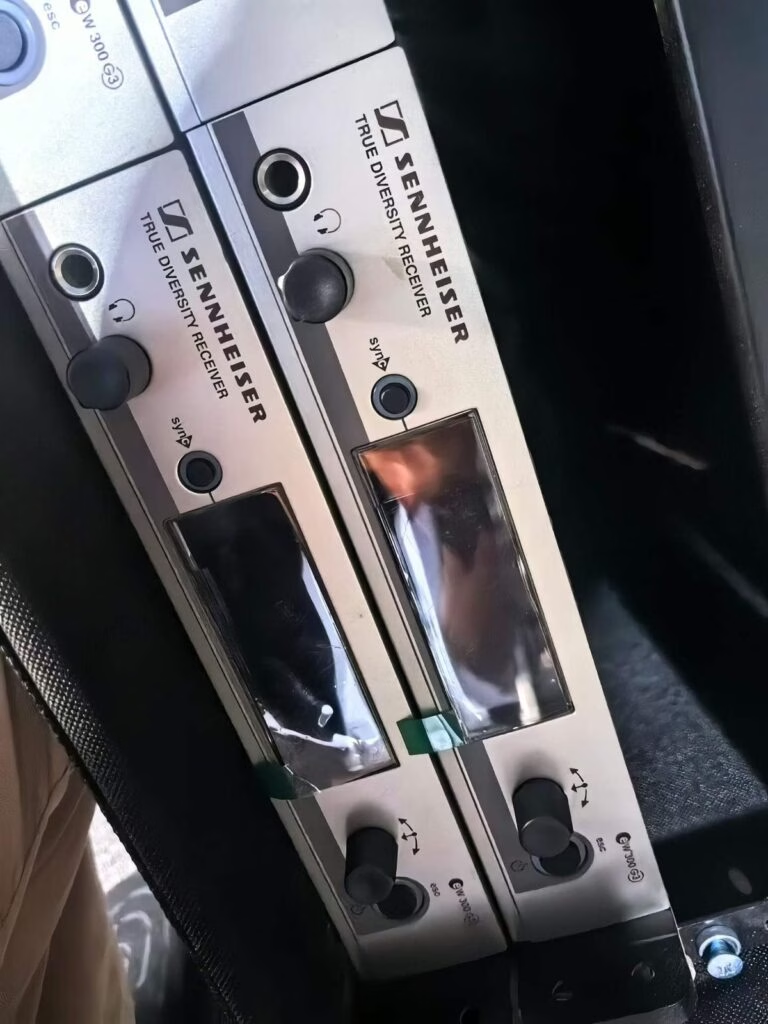
Ask for a factory reset on video before paying. Rental fleets sometimes lock units to a management account, and a unit resold while still tied to that account becomes a problem the day the firmware asks for credentials. On Pioneer gear, check that the firmware version matches the official release for that model; an unofficial or blocked version can stop you updating later.
What is worth paying extra for?
| Feature | Extra cost worth it | Skip |
|---|---|---|
| Original box and manual | +$20-40 | More than that |
| Road case | +$60-120 | Rusty or bent |
| Recent fader replacement | +$50 | Without receipt |
| Second identical deck | +$150-250 | Different model |
Does the room you play in change the checklist?
A little. Club installs rarely move, so weight and case quality matter less. Mobile DJs and weddings should check the case, the power inlet and the handle screws, because those three fail from van life rather than from mixing. If your rig also drives a PA, read our notes on whether used powered PA speakers are worth it before you buy the speakers and the decks in one order.
When should you walk away?
Walk away if the seller will not power it up on video, if a jog wheel grinds, if the firmware is locked and the seller cannot clear it, or if the price is under 30% of retail and the seller has no explanation. Any one of those is enough. Two is a hard no.
Should you buy a pair or a single?
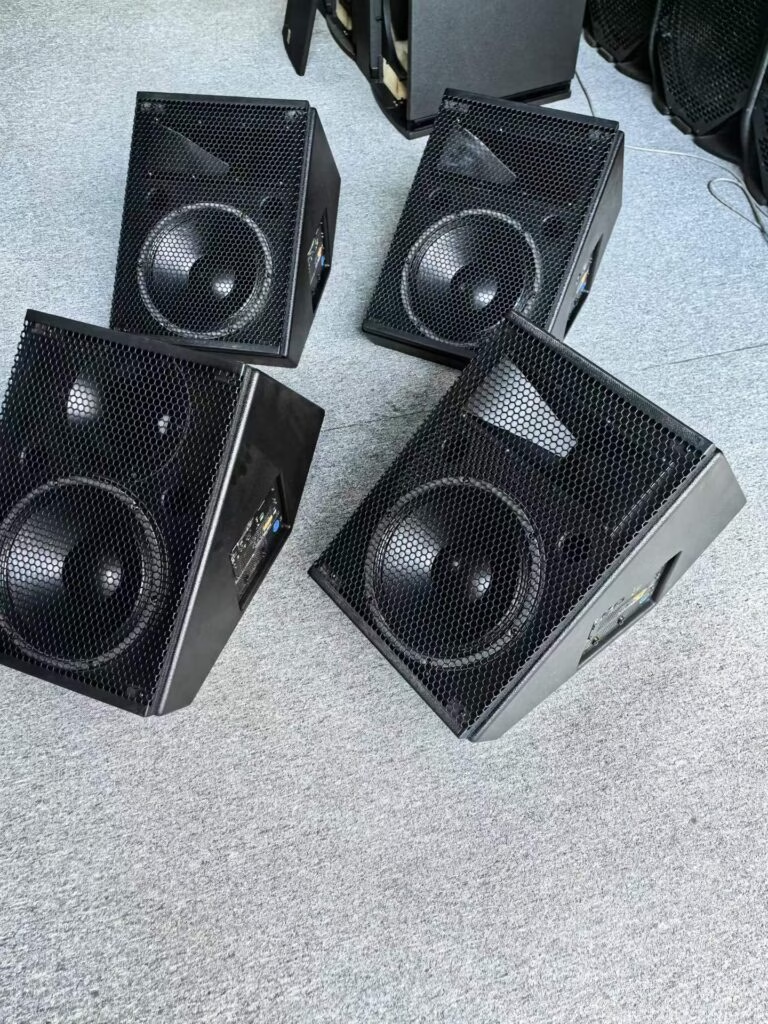
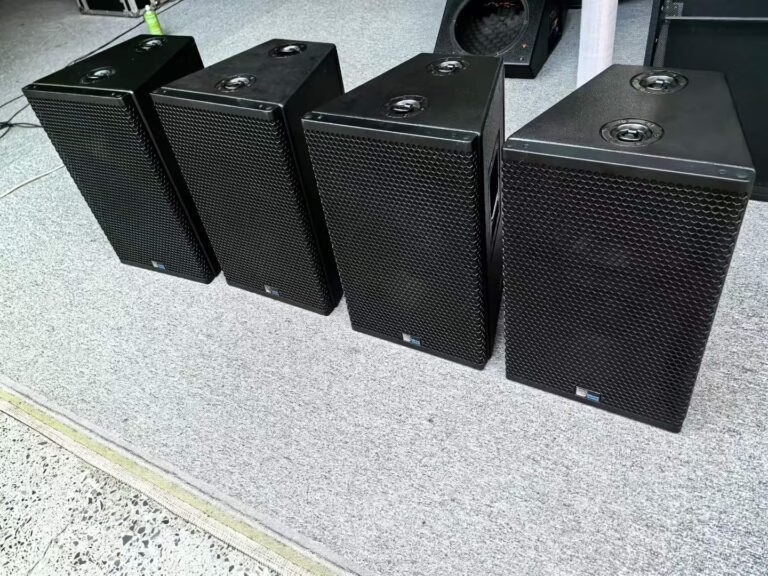
A pair, almost always. A single used monitor is only useful if you already own its twin, and matched pairs at the same age hold their value better when you resell. A pair bought together for $380 will sell as a pair for $300; two singles bought a year apart will not.
Also ask about the seller’s room. A pair from a treated room has usually been played at moderate level, while a pair from a bedroom producer with foam on one wall may have been pushed hard to compensate for a bad space.
How much should the condition change the price?
A working pair of decks at 45% of retail is normal. One worn fader should take 8-12% off; a grinding jog wheel, 15-20%; a unit that will not hold firmware, do not buy at any price. If a seller will not move on price after a fault you demonstrated, walk away and buy from someone who priced the fault in.
Take a USB stick with two of your own tracks and a known problem file, and play all three. A deck that skips on one file but not another has a media reader on the way out, not a file problem.
What about passive monitors?
Passive monitors plus a separate amplifier are the safest used purchase in this category. No amp module inside the cabinet means the failure points are split: if the amp dies you replace a $150 box, not a $400 monitor. The trade-off is one more cable and one more decision, which is why most home studios skip it.
For a first studio with a tight budget, a used passive pair at $200 plus a used 50 W amp at $90 beats a $450 used active pair on repairability. It does not beat it on desk space.
Key Takeaways
- Check jog wheels and faders before anything else, including cosmetics.
- Wiggle a USB stick in every port while audio plays.
- Demand a factory reset on video to catch rental firmware locks.
- Pay extra for a road case and matched pairs, not for original boxes.